
Dell toner guide
Dell E525w toner help for Bolton buyers
The Dell E525w is often used as a compact colour office printer, so it helps to check the exact machine and current toner status before you replace any cartridges.
Speak to a Human 01204 265000
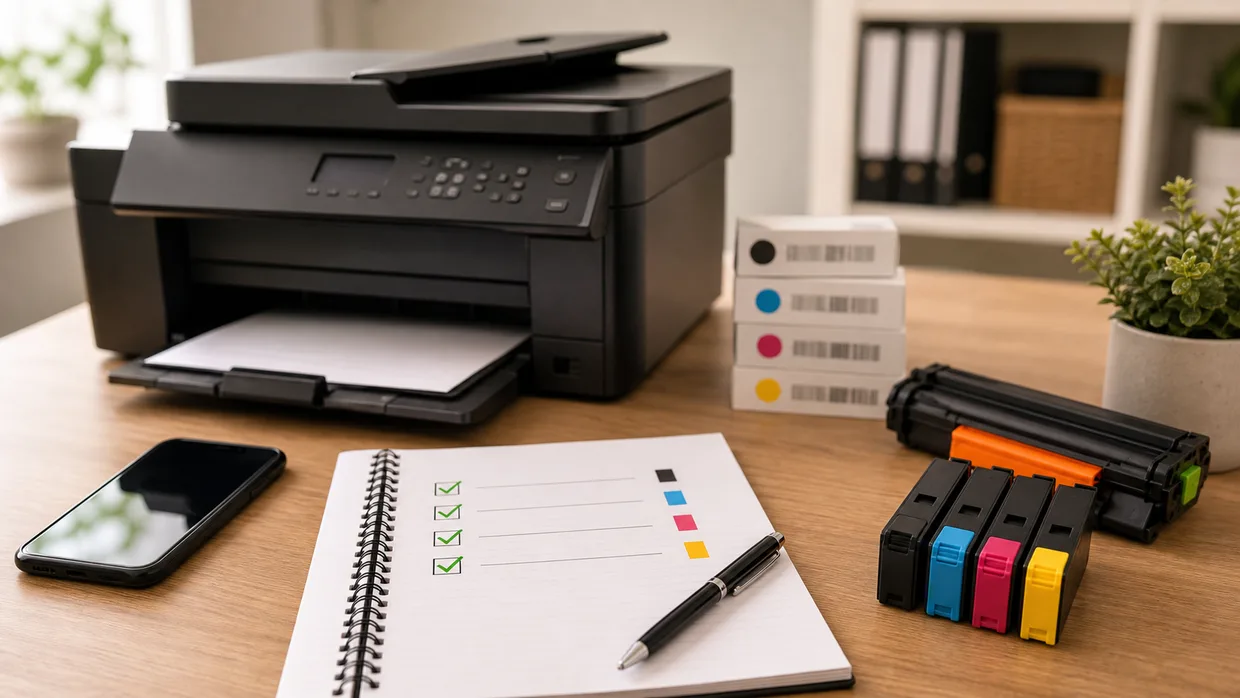
Check the exact Dell printer first
Make sure the machine is the E525w before comparing toner codes or ordering a replacement set.
Decide whether you need black only or a colour set
Some users only need a single replacement cartridge, while others need a complete set to keep colour output consistent.
Use the current toner code where possible
Comparing the installed cartridge details against the machine model is a simple way to avoid the wrong replacement.
Need help checking Dell E525w toner?
Call 01204 265000 and we can help Bolton buyers confirm the right Dell toner route.
Out-of-hours option
Know the code already?
If you already know the cartridge code and you're browsing out of hours, you can search our online catalogue. If not, call us first and we will help you check the right option.
Related Dell routes
Keep moving with the right next step
Need a direct answer?
Check the right cartridge before you order
Call with the full printer model or cartridge number and we will help confirm the available options.