
Epson cartridge guide
Epson 29 and 29XL cartridges: what to check before ordering
Epson 29 and 29XL cartridges are popular with home users, but the best route is still to confirm the printer model and whether you need individual colours or a full replacement set.
Speak to a Human 01204 265000
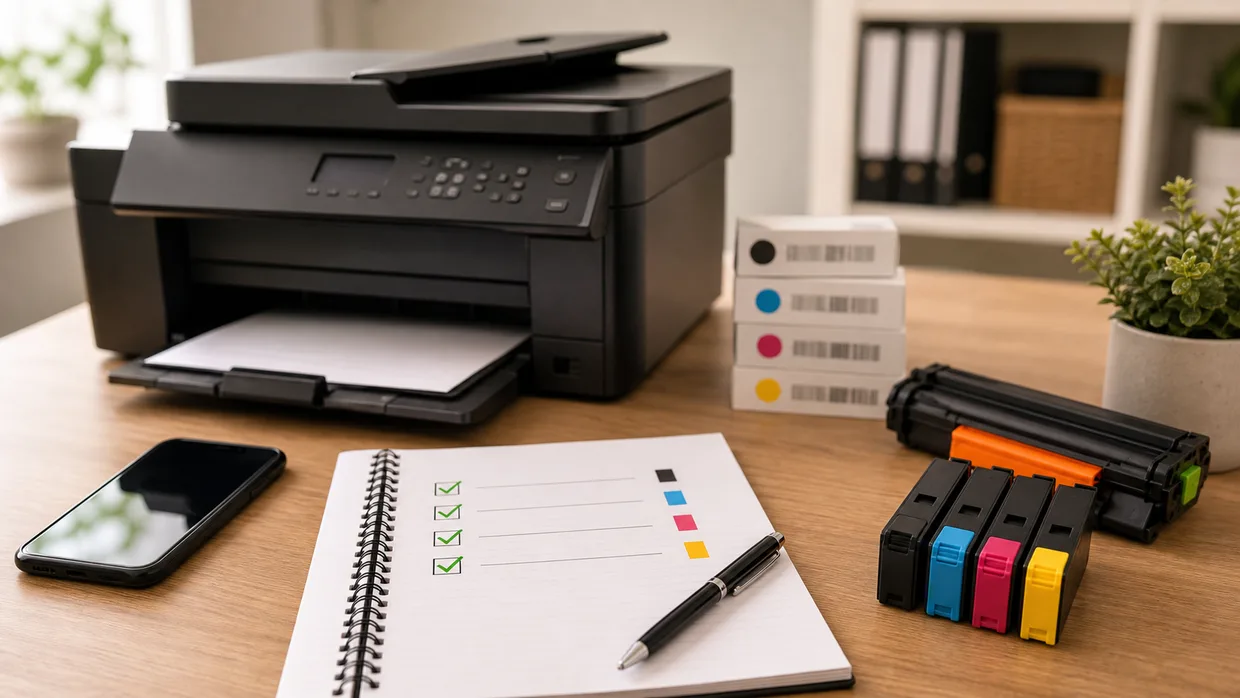
Compatibility check
Compatible printers
According to the matching Cartridge Care catalogue listing, this guide covers:
- Epson XP-235
- Epson XP-245
- Epson XP-247
- Epson XP-255
- Epson XP-257
- Epson XP-332
- Epson XP-335
- Epson XP-342
- Epson XP-345
- Epson XP-352
- Epson XP-355
- Epson XP-432
- Epson XP-435
- Epson XP-442
- Epson XP-445
- Epson XP-452
- Epson XP-455
Always compare the full printer model and cartridge reference before ordering.
Use the full Epson printer model
The machine model gives you a more reliable answer than relying on colour names or online product thumbnails.
Check which colours are low
Separate colour systems mean you can often replace only what is needed rather than buying a whole set at once.
Compare standard and XL with care
The right size depends on how often you print and whether the machine is used for occasional home jobs or regular daily documents.
Need help before you order?
Call 01204 265000 and we can help confirm Epson 29 and 29XL options and Bolton delivery advice.
Out-of-hours option
Know the code already?
If you already know the cartridge code and you're browsing out of hours, you can search our online catalogue. If not, call us first and we will help you check the right option.
Related Epson routes
Keep moving with the right next step
Related guide
Epson 603 and 603XL Ink Cartridge Guide
A practical Epson 603 and 603XL guide covering colour checks and family matching.
Related guide
Epson 604 and 604XL Ink Cartridge Guide
A simple guide to Epson 604 and 604XL cartridges, including colour and yield checks.
Related guide
Epson 18 and 18XL Ink Cartridge Guide
A clear guide to Epson 18 and 18XL cartridges for Bolton homes and home offices.
Need a direct answer?
Check the right cartridge before you order
Call with the full printer model or cartridge number and we will help confirm the available options.